Screenshot Zero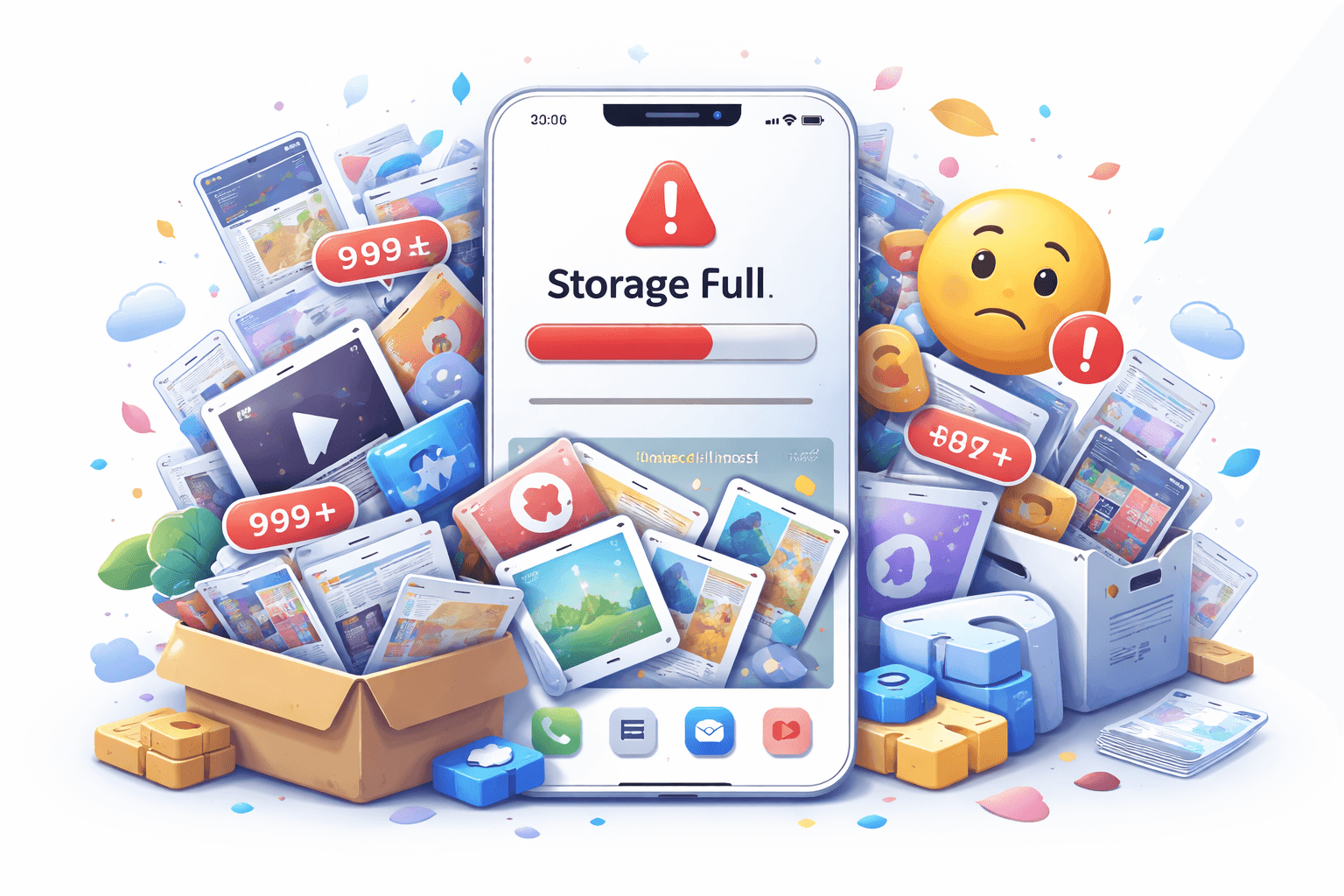
When your iPhone says storage is full, the cause is usually not just one thing. It is often a combination of apps, photos, videos, downloads, messages, and forgotten files that built up slowly over time.
The most common storage categories
The biggest storage users are usually easy to identify once you look in Settings.
- Apps and app data
- Photos and videos
- Messages and attachments
- Downloaded media
- Screenshots and other forgotten images
Why screenshots matter more than people expect
Screenshots are easy to ignore because each file feels small. The problem is volume. A few screenshots are nothing, but hundreds or thousands can take up a meaningful amount of space in both your device storage and iCloud Photos.
How to fix a full iPhone
Start with the categories that are safest to review quickly.
- Delete unused apps.
- Remove large videos you do not need.
- Review old downloads inside streaming and file apps.
- Clear bulky message attachments.
- Clean out screenshots you saved for temporary reasons.
A practical cleanup order
If you want fast results, go after high-volume clutter first. Screenshot Zero can help with the screenshot part by finding screenshot-heavy clutter locally on your iPhone and making it easier to review before deletion.
The goal is not to delete important memories. The goal is to remove low-value files that stayed around for too long.