 Screenshot Zero
01
Private iPhone cleanup
Delete iPhone Screenshots and Free Up Storage
Screenshot Zero helps you find old screenshots, clean up your Photos library, and remove clutter safely on your iPhone. Everything is reviewed by you before anything is deleted.
02
Review old screenshots before deleting
03
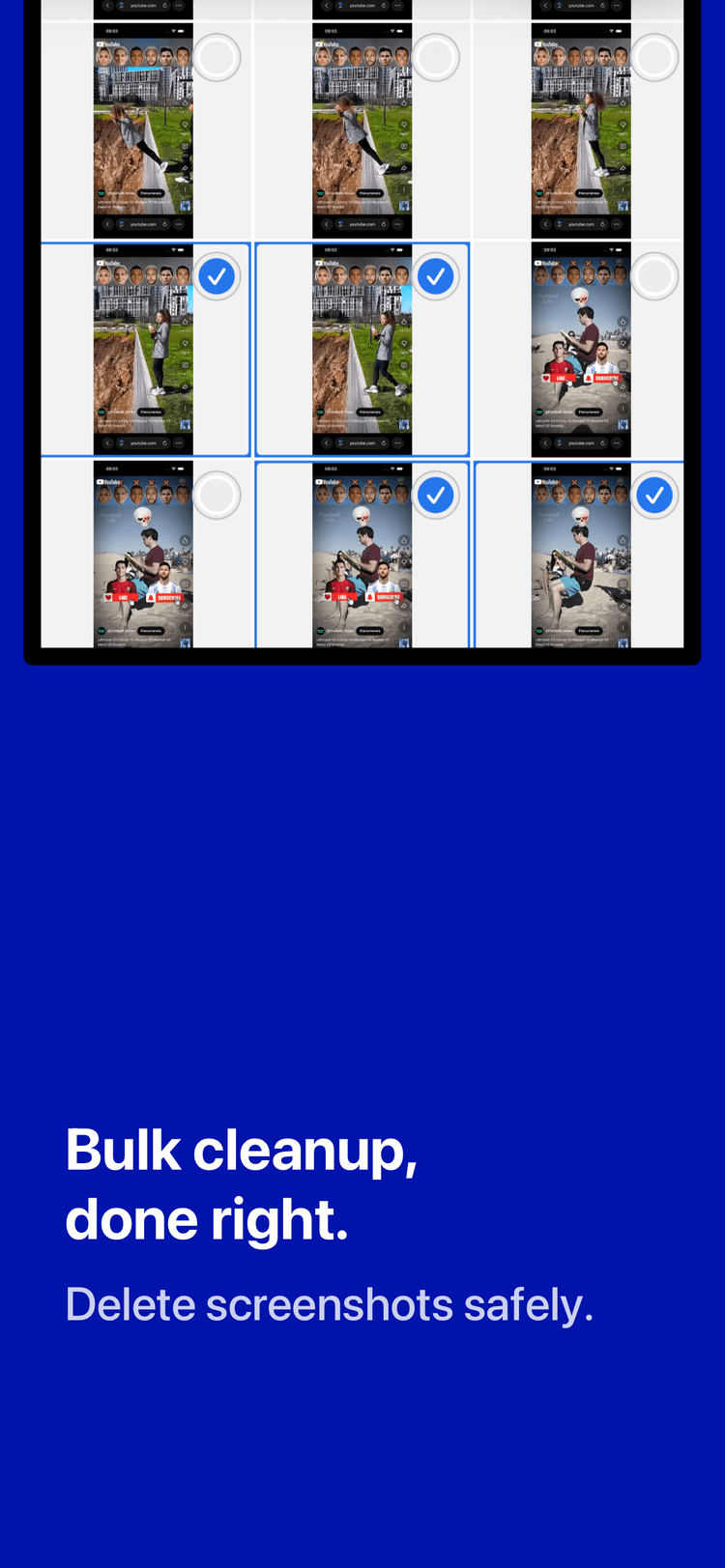
Delete safely with your approval
Why screenshots take up iPhone storage
Tickets, chats, reminders, shopping receipts, and random moments are easy to save and easy to forget. Over time, screenshot clutter can take up valuable iPhone storage and make your photo library harder to manage.
How to delete screenshots safely on iPhone
Screenshot Zero scans your photo library for screenshots, groups them for quick review, and keeps you in control before any deletion happens.
What Screenshot Zero helps you do
Find screenshots quickly
Scan your iPhone for screenshots without manually scrolling through your entire Photos library.
Delete screenshots with full control
Nothing is deleted automatically. You review every screenshot and approve each removal yourself.
Clean up privately on device
No ads, no tracking, and no photo uploads. Screenshot review happens locally on your iPhone.
Private screenshot cleanup on your iPhone
Your photos stay on your device. Screenshot Zero analyzes screenshots locally, uploads nothing to external servers, and never deletes anything without your approval.
See how screenshot cleanup works
Preview the app flow for finding screenshots, reviewing results, and freeing up storage on iPhone.
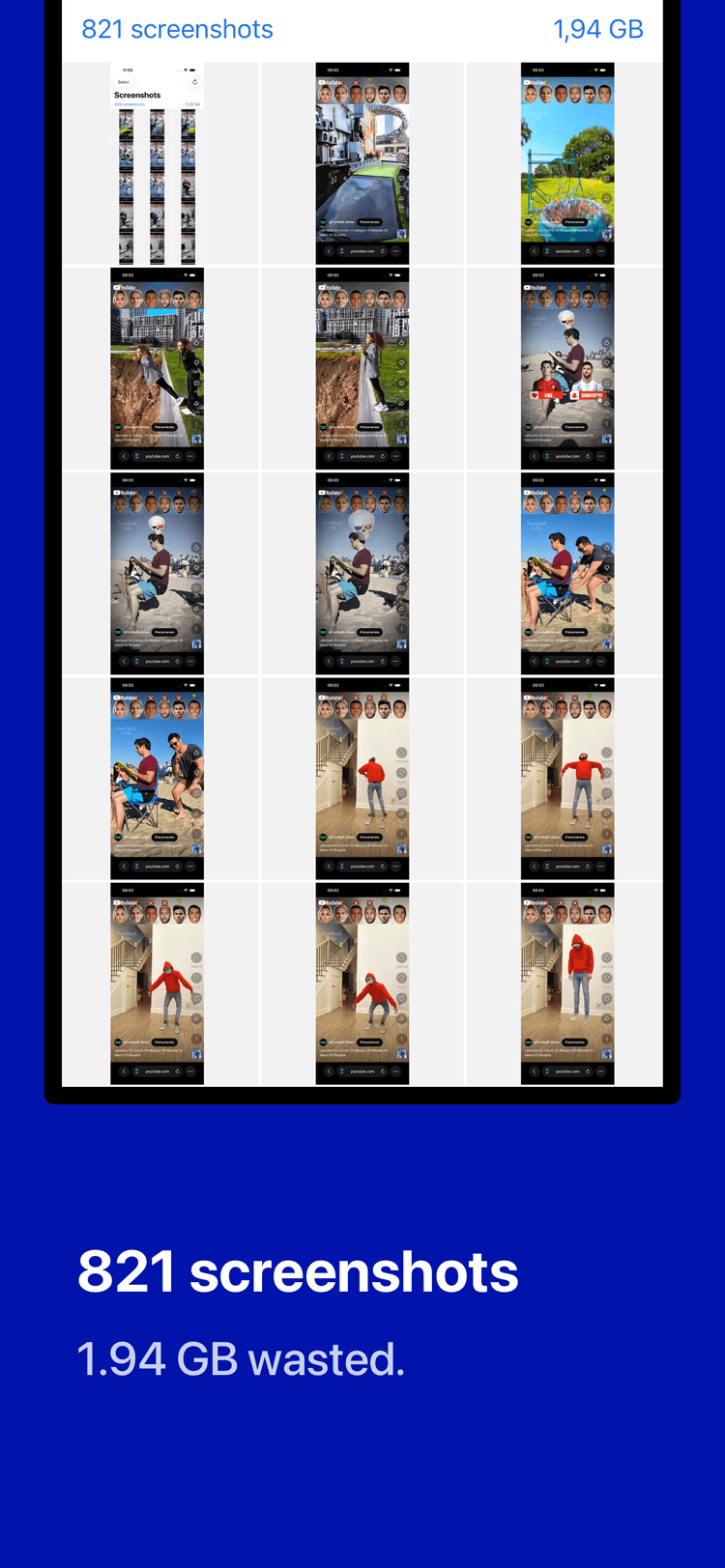
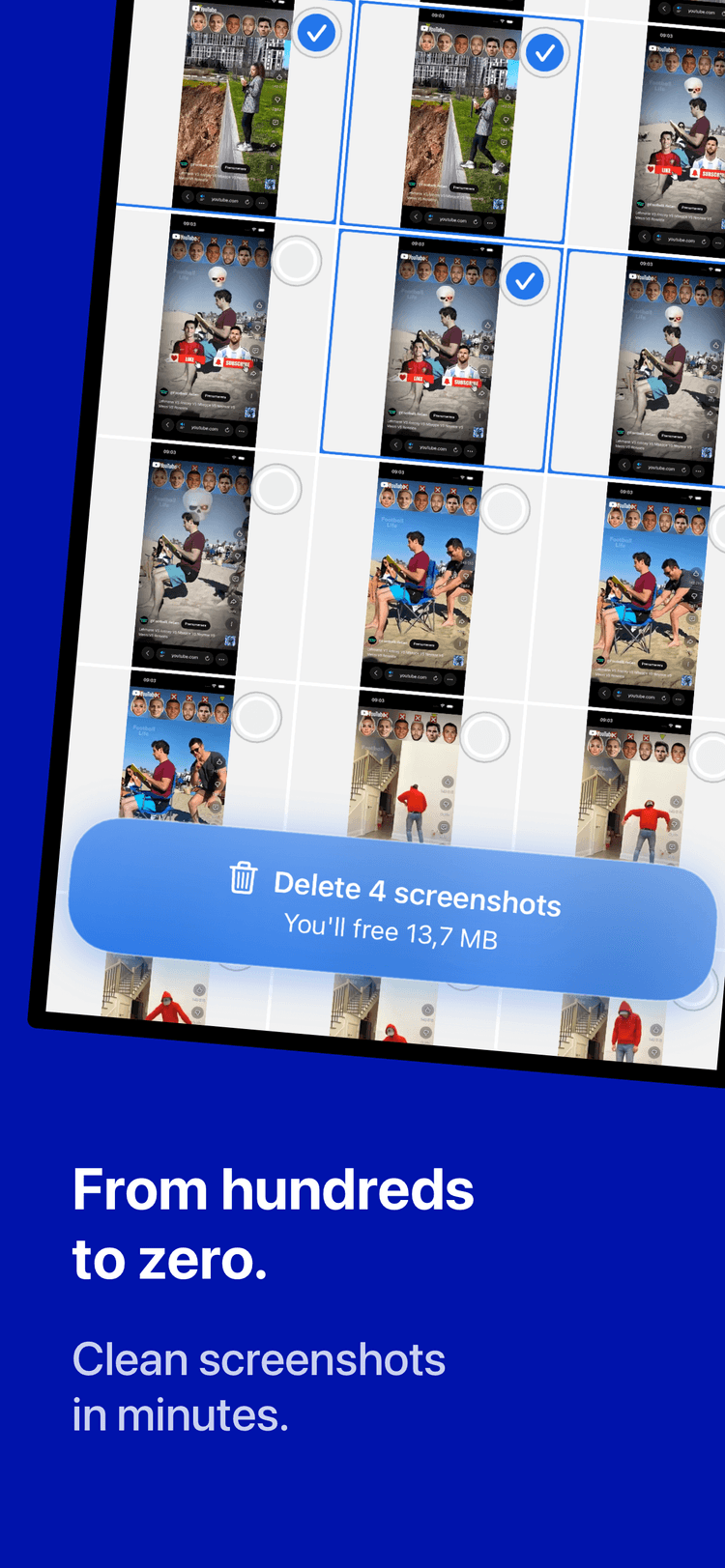
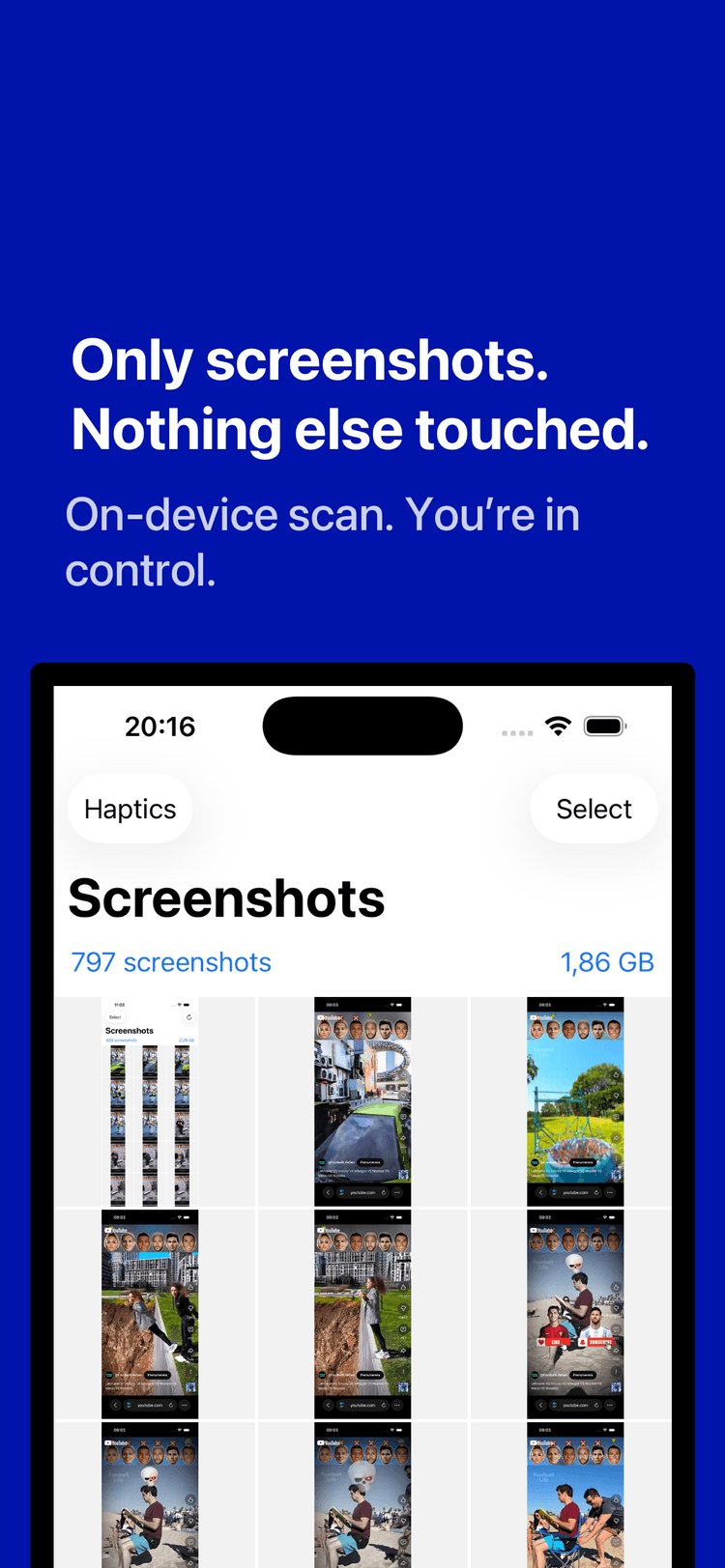
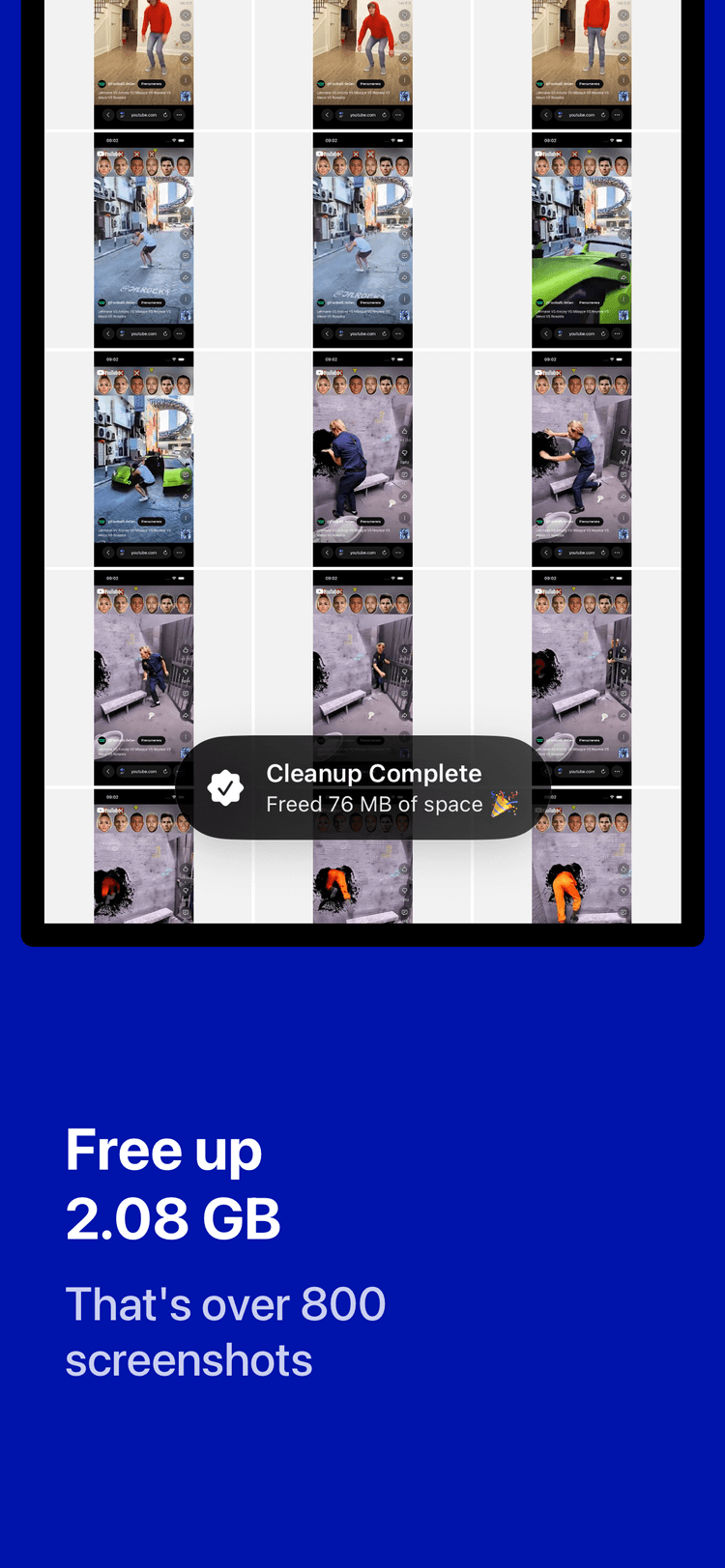
Clean up iPhone screenshots without sorting manually
Install Screenshot Zero to find screenshots faster, free up storage, and keep your Photos library easier to browse.