Screenshot Zero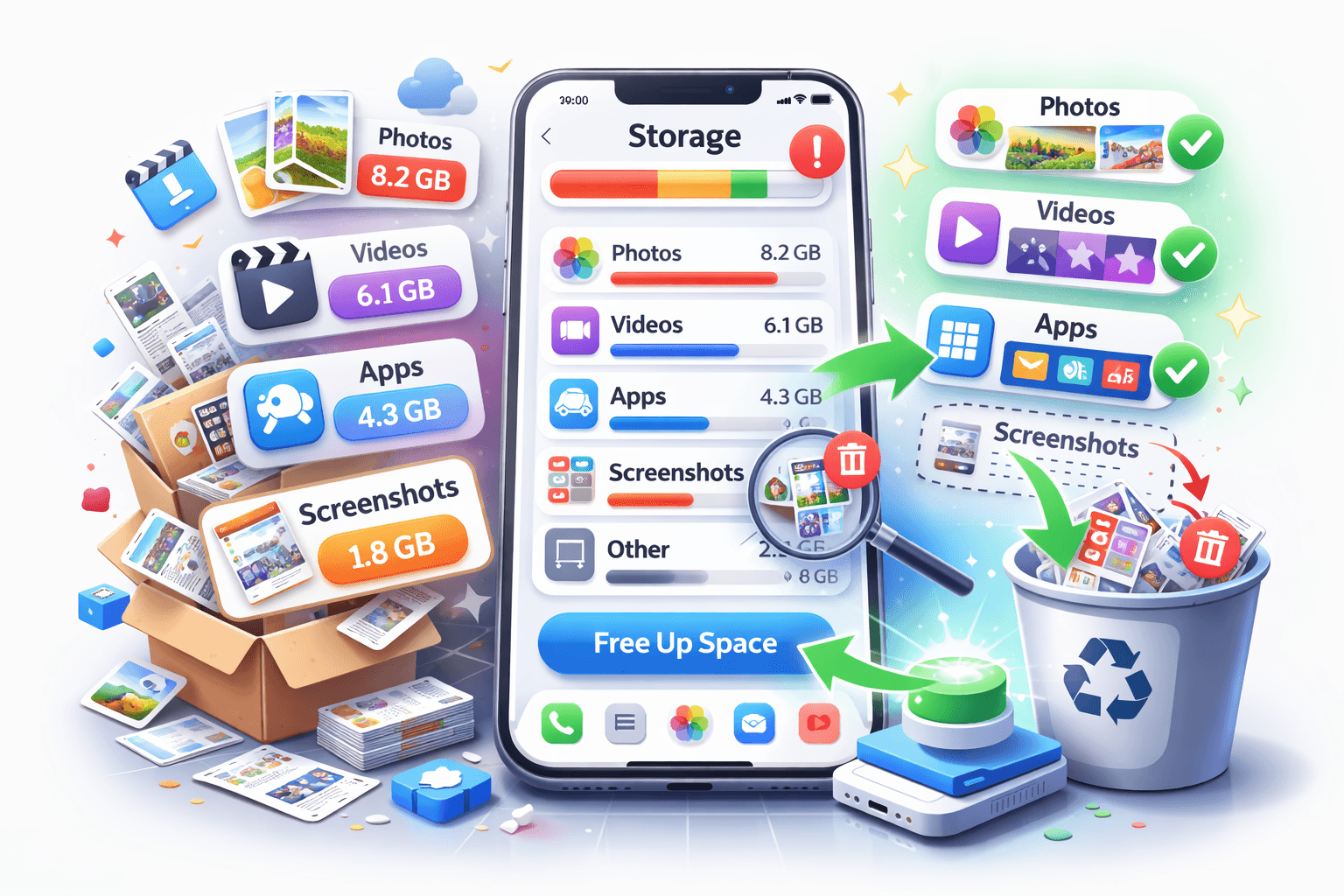
It is not always obvious what is taking up space on your iPhone. The storage chart in Settings shows broad categories, but the real problem is often hidden inside those categories.
The main categories that use storage
Most iPhones fill up through the same few groups.
- Apps
- Photos
- Videos
- Messages
- System data
- Screenshots and saved images
Where hidden clutter usually lives
The files that fill storage are often not the ones people think about first.
- Old screenshots inside Photos
- Large video clips
- Duplicate or nearly duplicate images
- Message attachments from old conversations
- Offline files from streaming apps
How to find the biggest storage offenders
Open Settings, then go to General and iPhone Storage. That gives you the clearest starting point for cleanup because you can see which categories have grown the most.
After that, review the Photos app separately. A library can look normal at a glance while still containing a huge number of screenshots, duplicates, and one-time reference images.
A simple way to clean the photo side
If screenshots are one of the hidden categories taking up space, Screenshot Zero can help you review them faster on device. That makes it easier to reduce clutter without touching the photos you truly care about.